Description
What Is Red Giant?
Red Giant gives you the complete set of tools from Red Giant at an affordable price. With an subscription to Red Giant you’ll have access to all of our most up-to-date tools while saving thousands of dollars over traditional perpetual licensing.
License Type: Yearly Subscription - Individual
**For customers in Hong Kong and Macau only. We are the Authorized MAXON Distributor for Hong Kong and Macau.
**Computers require internet access.
(Please feel free to check with us if you are looking for Teams License or Renewal.)
All Access: Red Giant gives you access to the complete set of Red Giant tools.
Up-To-Date: Red Giant includes free upgrades, so you always have the latest tools.
Big Savings: With Red Giant you'll save thousands of dollars.
-----------------------------------------------

Image Credited to: Roland Hartmann
What's New in Red Giant 2026
-
Maxon Studio Plugin Page - We are very excited to add the Plugin Page to the Maxon Studio panel within After Effects. Now you can view all of the Red Giant (and Universe) plugins in one place. You can search for the plugin you want and view their presets all within studio finding the effect you need has never been easier. You are even able to apply presets directly into your Project for products with their own stand alone designers such as Looks and Particular
- Depth Generator - A brand new depth estimation tool for After Effects produces depth maps of your footage and images with advanced isolation and refinement controls.
- Drag and Drop Published controls in Studio! Now when making your own Capsule you can move any published parameters simply by dragging them in the controls section.
- Asset Capsules in Maxon Studio: Maxon Studio Capsules now support Capsules that use Assets such as video files, images, and other asset types that are supported in After Effects. You can choose to include or exclude any assets that are part of the composition you are creating a capsule from. Then when the Capsule is created you can export that capsule and all of the associated assets are packaged up with your export. Import is just as easy and the needed asset files for your capsule are nicely bundled with the capsule
- Effect Capsules in Maxon Studio: Now in Studio you can create capsules that target all effects on a specific layer in After Effects. You can publish the desired controls for any effects on that layer like a normal capsule. Then use the capsule later you just apply the effect capsule to a layer in After Effects!
- On-screen gizmos for DaVinci Resolve: On-screen position controls have been added across the entire Red Giant toolset supported in DaVinci Resolve for much faster and easier placement of anything with a position coordinate.
What's New in Red Giant 2025
- Red Giant 2025 injects fresh energy into workflows with a set of helpful new features, including new capabilities in After Effects with Geo, UI improvements to Particular Designer, and Parametric Curve, a new tool for handling color and HDR video.
- Geo, Red Giant’s new tool for texturing and repeating 3D geometry in After Effects, packs even more creative potential with added support for rigged animation and built-in depth of field. Expanded cloner features like multiple materials and objects, plus several new formation controls take the heavy lifting out of your array-based shots.
- A refreshed Particular Designer features optimized preset search and navigation along with other quality of life improvements so artists can focus on creating art and less on managing the tools.
- Maxon Studio includes an update to our new template engine that will change the way you customize and manage designs by adding the ability to save adjustments as reusable presets.
- Parametric Curve is a new tool that provides a comprehensive workflow for handling color and HDR video, offering artists the power to manipulate their footage with an HDR curve. Benefit from more nuanced controls using this bézier curves effect that both processes the image with an HDR curve LUT and also overlays the curve on the image.
----------------------------------
What's New:
Maxon Studio - Now Part of Red Giant and Maxon One
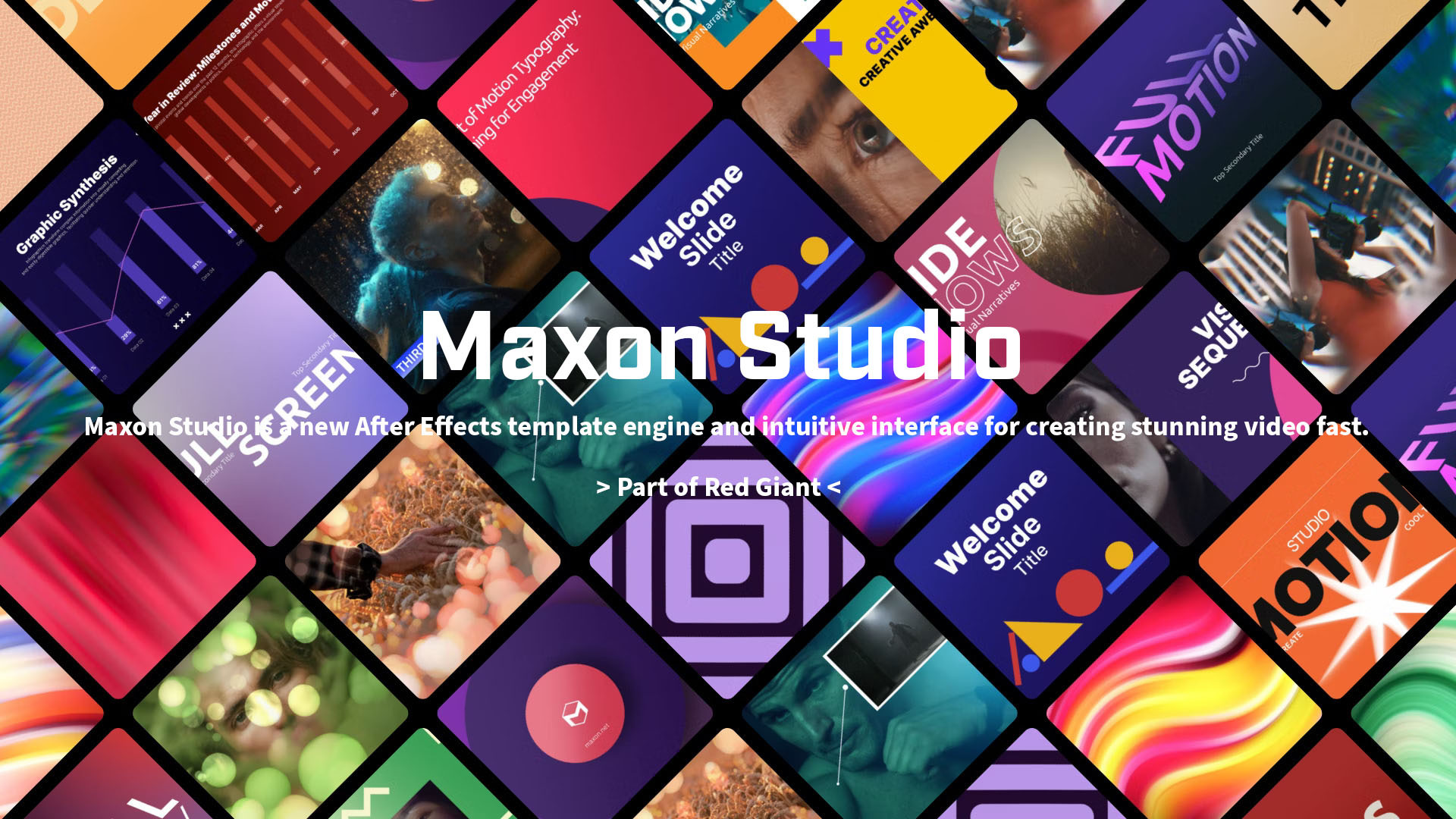
Maxon Studio is a new After Effects template engine and intuitive interface for creating stunning videos fast. It is a collection of Capsules powered by Red Giant tools and can be browsed, selected, and fine-tuned with the user-friendly editing interface.
**Maxon Studio is available to Red Giant and Maxon One subscribers.
What does Maxon Studio have:
Maxon Studio - BACKGROUNDS
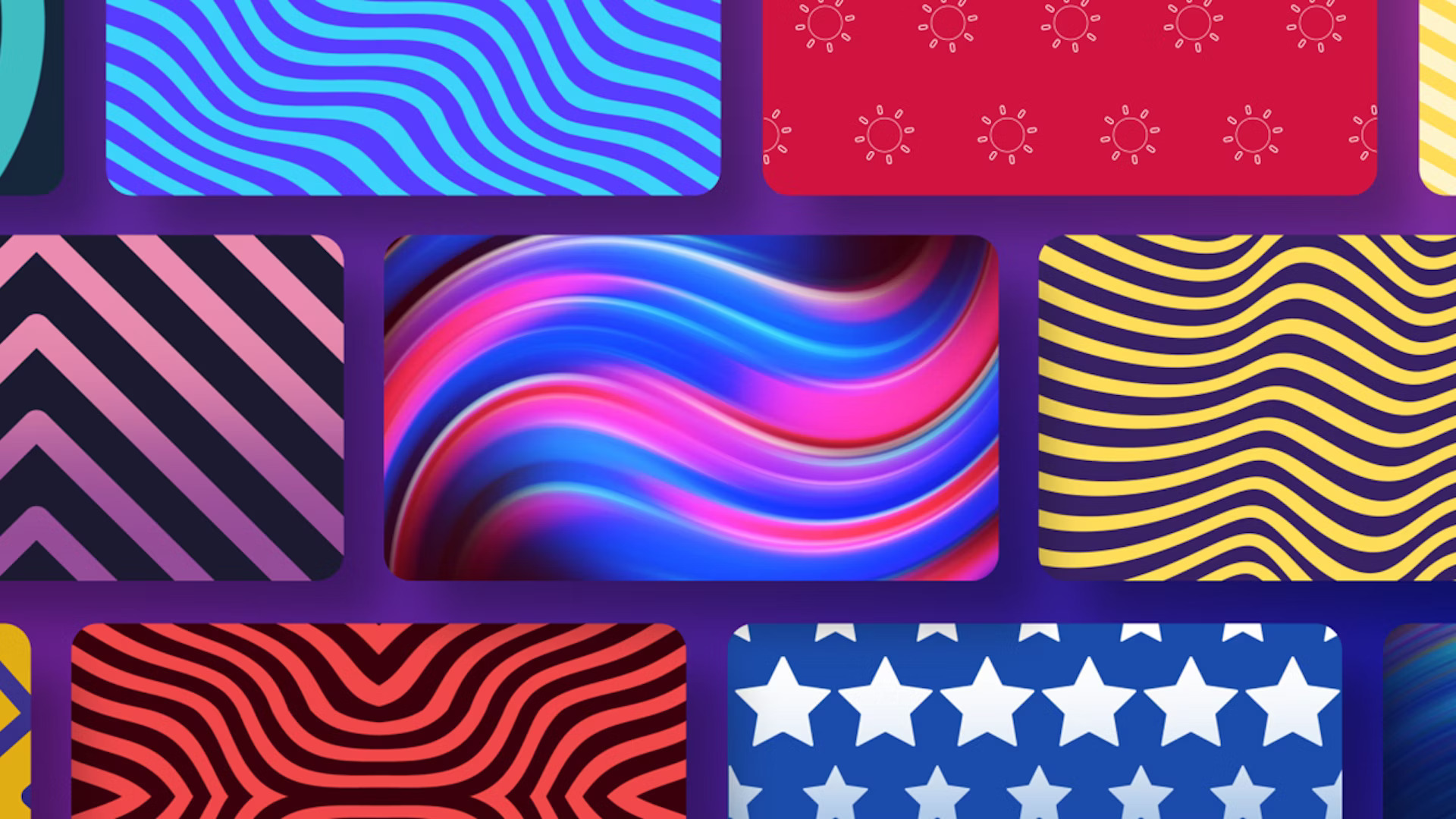
Studio’s collection of looped background Capsules offer a wide range of options for adding textures, colors, and vibrant energy to any video project. Content creators of all types will appreciate this fast, efficient approach to creating stunning backgrounds.
Maxon Studio - TEXT
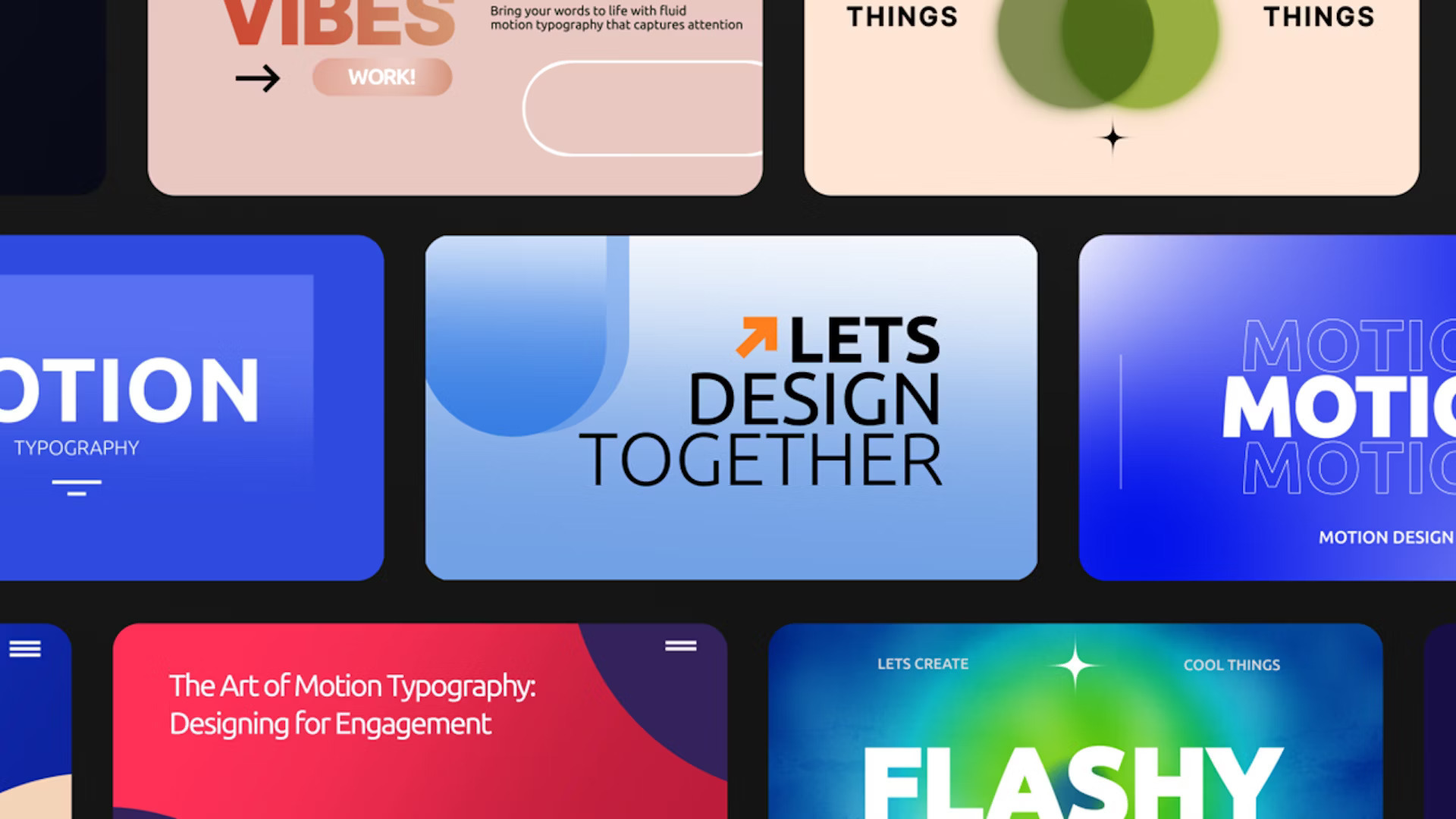
Text plays a key role in many different types of videos. Studio’s text Capsules are great for creating lower thirds, dynamic typography, infographics, animated titles, and even bubbles that mimic text messages. Now it’s easier than ever to create scroll-stopping social media graphics!
Maxon Studio - MOTION GRAPHICS
Liven up your video projects with Studio’s motion graphics Capsules! Video editors, now you can add clarity, provide information, and create professional graphics that call out your message without the need for extensive After Effects knowledge.
Maxon Studio - TRANSITIONS
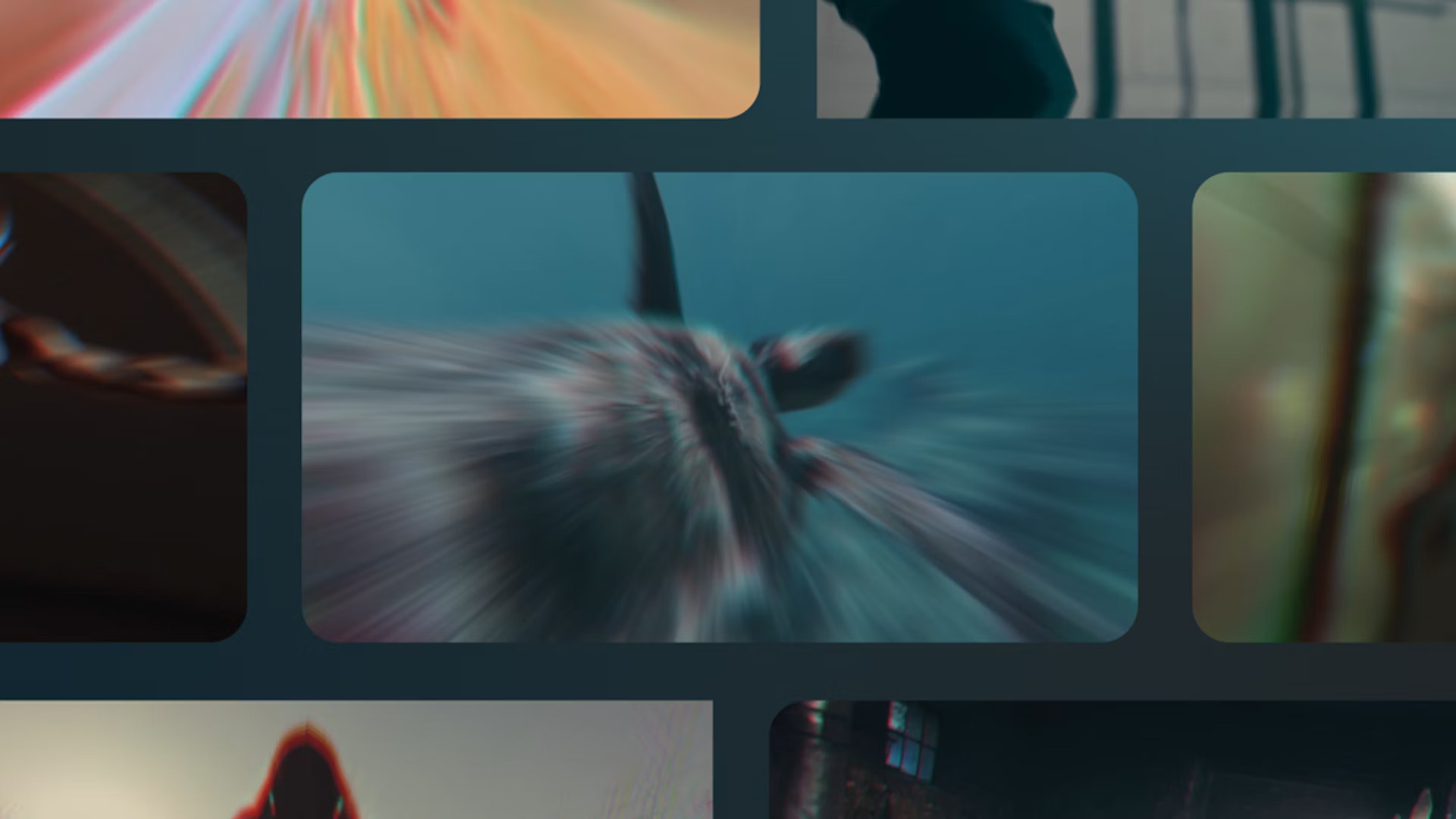
Visual transitions are key to keeping viewers engaged in your videos. Studio’s transition Capsules offer a wide range of powerful options for moving your audience through any video project, including energizing wipes, dynamic zooms, and even glitches.
Maxon Studio - EFFECTS
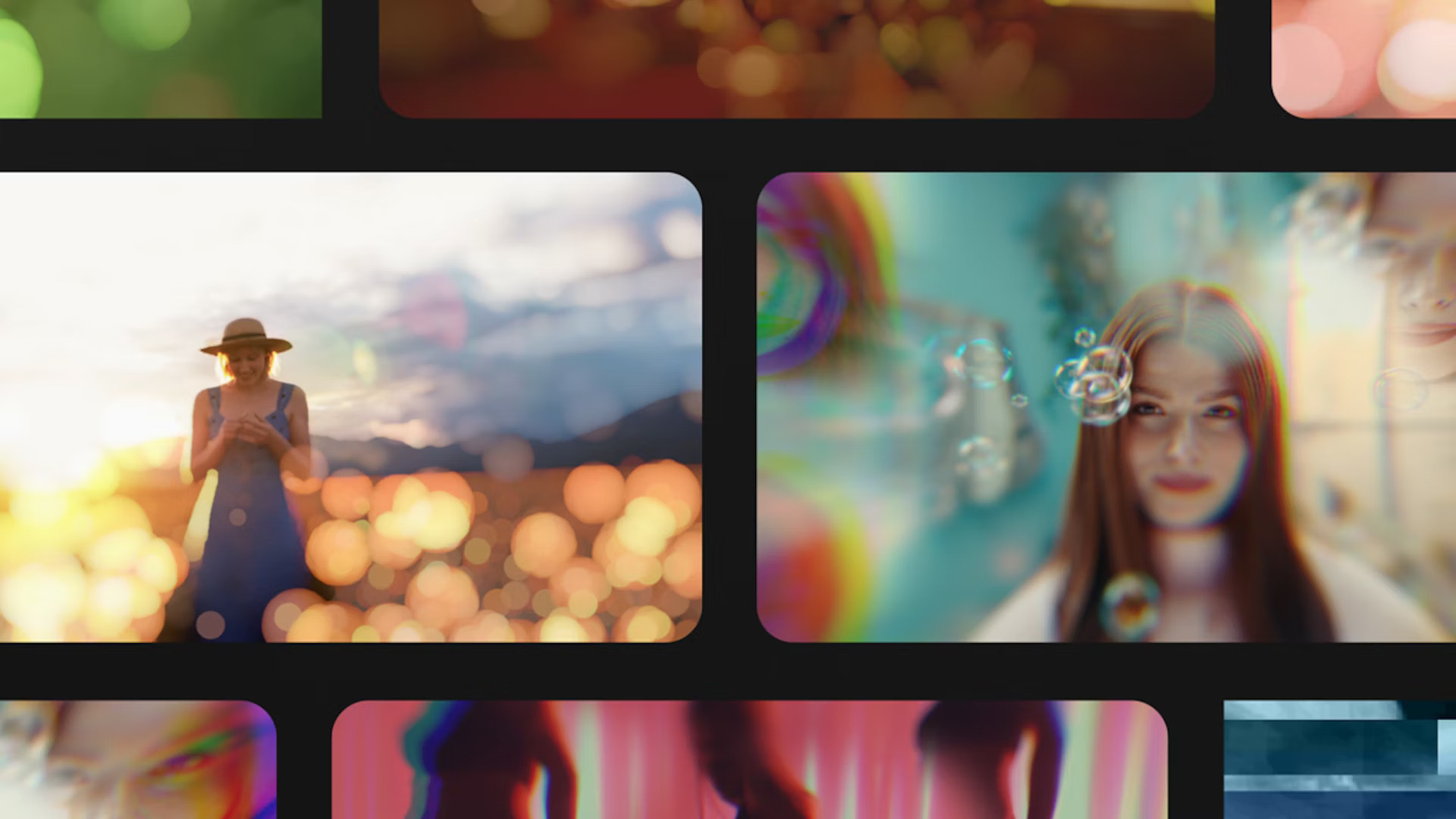
Add clarity, spice up a scene, and ensure viewers are focused on exactly what you want them to be with Studio’s collection of Effects Capsules.
-----------------------------------------
What's New in Maxon Red Giant 2024 Spring Release:
Red Giant 2024.2 features Red Giant Geo, a new tool that lets users texture, light, and clone 3D objects in After Effects. Rendering performance in Trapcode Particular has been improved significantly and there are new custom blur maps for Bokeh, as well as improvements to Looks’ UI.
- Red Giant Geo supports seven file formats, including C4D, OBJ, FBX, GLB, glTF, DAE, and 3DS. Integrated cloner options allow artists to create arrays in box, sphere, or cylindrical shapes easily and quickly. Use any layer or comp to customize textures and materials using the full power of After Effects.
- Responsiveness, playback, and rendering have all been enhanced in Trapcode Particular.
- UI improvements for Looks enhance user experience and quality of life improvements with color management.
- Native support for German and Korean languages has now been added to nearly all Red Giant tools.
------------------------------------------
What's New in Red Giant 2024:
The latest updates for Red Giant include updates to the Trapcode, Magic Bullet, VFX and Universe toolsets.
- Trapcode 2024 allows artists to create realistic thermal dynamics thanks to the Particular Fluid Dynamics Simulation extension.
- VFX 2024 opens up a new dimension in lighting control and includes several enhancements to the popular Real Lens Flares.
- Magic Bullet 2024 color correction is easier than ever - plus a host of new presets give designers more creative freedom.
- Universe 2024 offers a great number of new presets.
- All tools in Red Giant are now available in Chinese and Japanese, making it easier for artists to get started using the software in their native language.
What's new in Red Giant Complete 2023:
The new version of Red Giant includes updates for nearly every tool and over 100 new presets for Generators and shiny text effects.
Trapcode
Trapcode 2023 provides over 75 new animated sprites for 2D shapes and bursts.
The loading time for the Particular Designer has been dramatically improved.
Magic Bullet
Magic Bullet 2023 adds the recently released Halation and Diffusion tools to Looks in Cinema 4D.
Improved Looks C4D workflow in OCIO mode.
Major improvements to the Looks integration in Unreal Engine 5.
Denoiser is now available for Final Cut Pro and compatible with Apple M1 machines.
VFX
Red Giant VFX 2023 offers enhanced performance and stability.
Bug fixes for Supercomp, Primatte, Real Lens Flares and more.
Universe
Universe 2023 provides added support for alpha layers in Avid Media Composer. Generate text effects, track mattes and more.
Universe 2023 comes with over 100 new presets for Generators.
Red Giant Complete includes:
Trapcode Suite: Particle Systems +
Use the power of 3D particle systems right in After Effects to create fire, water, smoke, snow and other organic visual effects.
Trapcode Suite includes:
Particular: Create organic 3Dparticle effects
Form: Create 3D particle grids and objects
Mir: Create 3D terrains, objects and wireframes
3D Stroke: Animate 3D shapes andlines
Shine: Ultra-fast, 3D light ray effects
Starglow: Stylized glints and glows
Sound Keys: Instant audio-drivenmotion graphics
Lux: After Effects lights made visible
Tao: Generate 3D geometries along a path
Echospace: Instantly clone andoffset animated layers
Horizon: Infinite 3D backgrounds
Magic Bullet Suite: Color Correction +
Powerful real-time color grading tools, video denoising,and cosmetic retouching, everything you need for color correction, finishing and film looks.
Magic Bullet Suite includes:
Looks: Powerful looks and color correction
Denoiser III: Fast, easy video noise reduction
Colorista IV: Professional color correction for filmmakers
Cosmo II: Fast, simple cosmetic cleanup
Mojo II: A cinematic color grade in seconds
Film: The look of real motion picture film
Universe: Edit With Style +
Universe provides you a set of transitions and effects for editors and motion graphics artists to stylize footage with authentic retro and modern day looks. You can generate beautiful backgrounds, glows, text animations and other effects which give you better results more easily.
Universe includes:
Glitch: The look of compressed, glitched video
VHS: The classic look of old video tape
Holomatrix II: The look and distortion of a sci-fi hologram
Chromatic Abberation: Add lens distortion with chromatic separation
Camera Shake: Add handheld camera motion to your footage
Logo Motion: Animate your text and logos, on and off screen
Finisher: Improve the quality of your DSLR footage
Grain16: Powerful looks and color correction
Retrograde: The look of old 16MM and 8MM film
Carousel: Color cross-processing and film fading
+ 71 More Tools
VFX Suite: Visual Effects
A set of plugins for keying, tracking, cleanup, and visual effects compositing in After Effects which gives you tools for fast, accurate motion tracking, lens distortion and object replacement/removal.
VFX Suite includes:
Supercomp: Seamless compositing
Primatte Keyer: Fast, automatic chroma-keying
King Pin Tracker: Corner pinner with planar tracking
Lens Distortion: Remove or match distortion from any kind of lens
Spot Clone Tracker: Clone or repair video with ease
Optical Glow: Add beatiful, optically-correct glows
Chromatic Displacement: Make realistic refracted-looking displacements
Knoll Light Factory: 3D lens flares
Shadow: Get more control over your shadows
Reflection: Create realistic mirrored reflections
PluralEyes: Audio/video sync in seconds
With a touch of a single button, PluralEyes analyzes the audio from your cameras and audio devices and syncs them up, in seconds. No clapboards or timecode are needed.